
GraphRAG using Ollama – Build a Knowledge Graph in 11 Powerful Steps

GraphRAG using Ollama

GraphRAG using Ollama

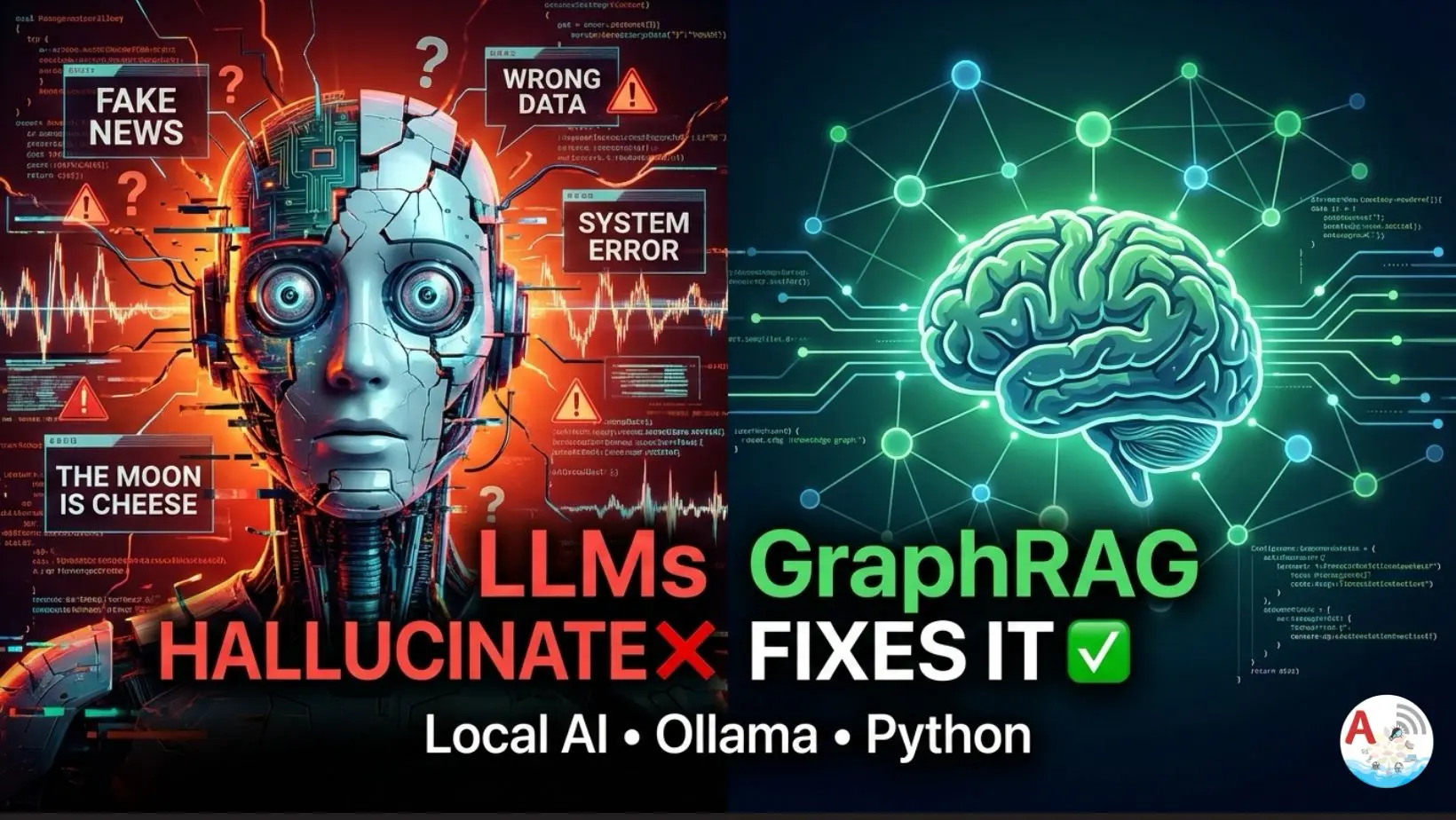
GraphRAG using Ollama we build a Graph-based Retrieval Augmented Generation (GraphRAG) system using a local LLM (Ollama) and Python, without any cloud APIs.

We will:
• Extract relationships using an LLM
• Build a knowledge graph using NetworkX
• Retrieve facts from the graph
• Answer questions strictly from graph context

This entire setup runs offline.

Why GraphRAG (Instead of Normal RAG)?

Traditional RAG retrieves text chunks.
GraphRAG retrieves structured facts like:

Google → developed → Flutter
Flutter → integrates_with → Firebase

This reduces hallucinations and improves factual accuracy.

Tech Stack Used

  • Python
  • Ollama (Local LLM)
  • NetworkX (Graph engine)
  • Regex + JSON parsing

Step 1: Install Dependencies

pip install requests networkx

Make sure Ollama is running locally:

ollama run amplifyabhi

Step 2: Define Documents (Input Knowledge)

These are the facts we want to convert into a graph.

DOCUMENTS = [
    "Flutter is a UI toolkit developed by Google.",
    "Flutter integrates with Firebase.",
    "Firebase is owned by Google."
]

Step 3: Ollama Configuration

We call Ollama directly using its HTTP API.

OLLAMA_URL = "http://localhost:11434/api/generate"
MODEL = "amplifyabhi"

Step 4: Relationship Extraction Prompt

We force the LLM to return structured JSON only.

GRAPH_PROMPT = """
Extract relationships as JSON

Format: 
{
    "relationships": [
        { "source": "", "relation": "", "target": ""}
    ]
}
Text:
"""

This prompt is critical.

Bad prompts = broken JSON.

Step 5: Call Ollama Safely

def ollama(prompt: str) -> str:
    response = requests.post(
        OLLAMA_URL,
        json={
            "model": MODEL,
            "prompt": prompt,
            "stream": False
        },
        timeout=60
    )
    return response.json().get("response", "")

We use .get(“response”, “”) to avoid crashes if Ollama returns unexpected output.

Step 6: Extract Relationships (JSON-Safe)

LLMs sometimes return extra text.
So we extract only the JSON block.

def extract_relationships(text: str):
    raw = ollama(GRAPH_PROMPT + text)

    start = raw.find("{")
    end = raw.rfind("}") + 1

    if start == -1 or end == -1:
        return []
    
    json_text = raw[start:end].strip()
    
    try:
        data = json.loads(json_text)
    except json.JSONDecodeError:
        return []
    
    relationships = data.get("relationships", [])
    return [r for r in relationships if r.get("source") and r.get("relation") and r.get("target")]

This step prevents:

  • JSONDecodeError
  • Partial JSON
  • Hallucinated keys

Step 7: Build Knowledge Graph

We store extracted facts in a directed graph.

def build_graph(docs):
    graph = nx.DiGraph()
    for doc in docs:
        relations = extract_relationships(doc)
        for r in relations:
            graph.add_edge(
                r["source"],
                r["target"],
                relation=r["relation"]
            )
    return graph

Step 8: Query Normalization

Used to match questions with graph nodes.

def normalize(text):
    return re.sub(r"[^a-z0-9 ]", "", text.lower())

Step 9: Retrieve Facts From Graph

This replaces vector search.

def retrieve_from_graph(query, graph):
    q = normalize(query)
    facts = []
    for u, v, d in graph.edges(data=True):
        if normalize(u) in q or normalize(v) in q:
            facts.append(f"{u} {d['relation']} {v}")
    return facts

GraphRAG using Ollama Part 1

GraphRAG using Ollama explained in detail

Step 10: GraphRAG Answer Generation

LLM is strictly bounded by graph facts.

def graphrag_answer(query, graph):
    facts = retrieve_from_graph(query, graph)

    if not facts:
        return "I don't know based on the graph."

    context = "\n".join(facts)

    prompt = f"""
        You are a technical assistant.

        Rules:
        - Answer in 1–2 factual sentences
        - Use ONLY the context
        - No assumptions

        Context:
        {context}

        Question:
        {query}

        Answer:
        """
    return ollama(prompt)

Step 11: Run the System

if __name__ == "__main__":
    graph = build_graph(DOCUMENTS)

    print("Graph Edges:\n")
    for u, v, d in graph.edges(data=True):
        print(f"{u} - [{d['relation']}]-> {v}")

    while True:
        q = input("Question: ")
        if q.lower() == "exit":
            break
        print(graphrag_answer(q, graph))

GraphRAG using Ollama Part 2

In this video, we go deep into GraphRAG (Graph-based Retrieval Augmented Generation)
and show how to STOP large language models from adding fake or extra information.

Key Takeaways

Implementing GraphRAG using Ollama these are the key takeaways
• GraphRAG reduces hallucinations
• Local LLMs can power serious AI systems
• JSON enforcement is mandatory
• Graphs > embeddings for factual queries
n8n YouTube Automation: Ultimate 100% Local AI Setup | Secure Local AI

n8n youtube automation

n8n youtube automation

n8n youtube automation, Most YouTube automation tutorials rely on paid AI APIs like ChatGPT or Gemini. While they work, they come with costs, rate limits, privacy concerns, and internet dependency.

What if you could:
• Generate YouTube titles, descriptions, and tags
• Upload videos automatically
• Run everything locally
• Use zero API keys
• Pay nothing

In this article on n8n youtube automation, we’ll build exactly that using n8n and Ollama, powered by a lightweight local LLM.

This setup is ideal for developers, YouTubers, and indie creators who want full control.

What Is n8n?

n8n is an open-source workflow automation tool, similar to Zapier, but:
• Self-hosted
• Developer-friendly
• No per-task pricing
• Full JavaScript support

It allows you to visually connect APIs, logic, files, and platforms like YouTube.Why automate YouTube uploads?

What Is Ollama?

Ollama lets you run Large Language Models (LLMs) directly on your machine.

Why Ollama?
• No internet required
• No API keys
• Runs on Mac, Windows, Linux
• Supports models like Phi-3, LLaMA, Mistral

In this workflow, Ollama acts as your local ChatGPT replacement.

Running Ollama with Docker

Why host.docker.internal?

When n8n is also running inside Docker, it cannot access localhost directly.
Instead, we use:

http://host.docker.internal:11434


This is a very common Docker networking issue, and many developers face issue for this specifically.

Calling the Ollama HTTP API from n8n

In n8n, add an HTTP Request node.

Endpoint

POST http://host.docker.internal:11434/api/generate


Request Body (JSON)

{
  "model": "phi3:mini",
  "prompt": "Generate an attractive YouTube title and description for uploading a video on Supabase backend integration.",
  "stream": false
}

Important Notes
• stream: false is mandatory for automation
• phi3:mini is lightweight and fast
• Works perfectly on Mac M1 with 8GB RAM

Filter and Clean API Output Using JavaScript in n8n

// Access input data from previous node (HTTP Request)
const inputData = $input.all();

function extractYouTubeData(inputData) {
  if (!Array.isArray(inputData) || inputData.length === 0) {
    return { title: "", description: "", tags: [] };
  }

  // Combine all responses
  let fullText = "";
  for (const item of inputData) {
    const res = item.json?.response || item.json?.data || "";
    if (res) fullText += res + "\n";
  }

  let title = "";
  let description = "";
  let tags = [];

  // 1. Try to parse JSON block if available
  const jsonMatch = fullText.match(/```(?:json)?\s*([\s\S]*?)```/i);
  if (jsonMatch) {
    try {
      const parsed = JSON.parse(jsonMatch[1]);
      title = parsed.title || "";
      description = parsed.description || "";
      tags = parsed.tags || [];
    } catch (e) {
      console.error("JSON parse error:", e);
    }
  }

  // 2. Fallback: Extract Title: ... and Description: ...
  if (!title) {
    const titleMatch = fullText.match(/Title:\s*["']?(.+?)["']?\s*(?:\n|$)/i);
    if (titleMatch) title = titleMatch[1].trim();
  }

  if (!description) {
    const descMatch = fullText.match(/Description:\s*([\s\S]+)/i);
    if (descMatch) description = descMatch[1].trim();
  }

  // 3. Optional: Auto-generate tags from title if no tags
  if (tags.length === 0 && title) {
    tags = title
      .split(/\s+/)
      .filter(word => word.length > 2)
      .map(word => word.replace(/[^a-zA-Z0-9]/g, ""))
      .slice(0, 10); // limit to 10 tags
  }

  return { title, description, tags };
}

const result = extractYouTubeData(inputData);
return [result];

Why this Code Node Is Needed in n8n

When you call a local LLM (like Ollama), the response often contains:
• Extra metadata
• Tokens
• Streaming-related fields
• Nested objects you don’t want to send to YouTube

Platforms like YouTube expect clean, minimal fields:
• title
• description
• tags

This Code node acts as a filter + transformer layer.

Using Dynamic Expressions in the YouTube Node (n8n)

In the YouTube Upload node, you should map the fields like this:

Title field

{{ $json.title }}

Description field

{{ $json.description }}


Tags field

{{ $json.tags }}

Finally we Automated flow

Now it’s time to have a look through the n8n youtube automation tutorial.

Ollama RAG Tutorial for Beginners using ChromaDB, LangChain (Proven Powerful 1 Local AI Guide)

Ollama RAG Tutorial for Beginners

LangChain RAG tutorial

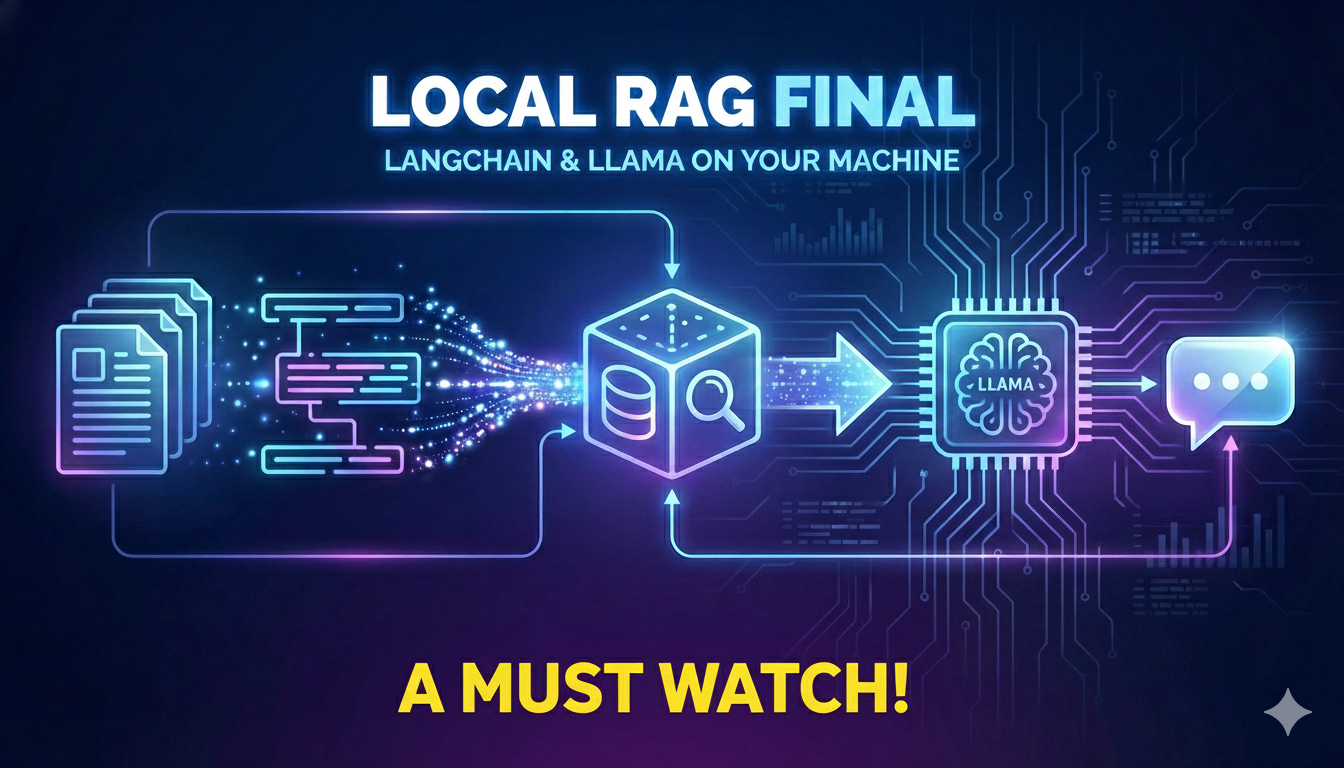
Ollama RAG Tutorial for Beginners, This tutorial RAG with Ollama and ChromaDB demonstrates how to build a local Retrieval-Augmented Generation (RAG) system using Ollama for embeddings, ChromaDB for vector storage, and LangChain-style querying—without any cloud APIs.

Retrieval Augmented Generation Python

We designed this RAG model using Python to ensure wide adoption, as Python is easy to learn and is more accessible compared to many other programming languages.

Feel free to reach out if you are looking for any other programming language.

Ollama embeddings RAG

Used Ollama in generating embeddings.

ChromaDB vector database

Embeddings generated in above step are stored in chroma DB

This tutorial demonstrates a Local RAG system built using Python, combining an Offline RAG LLM, semantic search with embeddings, and efficient vector search in Python to deliver accurate, privacy-first AI responses without cloud dependencies.

Complete Code

import ollama
import chromadb

client = chromadb.Client()

collection = client.create_collection(name="my_embeddings")

sentences = [
    "ollama makes running LLMs locally easy.",
    "Sentence embeddings are useful for search.",
    "Java is great for machine learning."
]


for idx, sentence in enumerate(sentences):
    response = ollama.embeddings(
        model="nomic-embed-text",
        prompt = sentence
    )
    collection.add(
        ids = [str(idx)],
        documents=[sentence],
        embeddings=[response["embedding"]]
    )
print("Embeddings are stored")

query = "Which language is great for machine learning"

query_embedding = ollama.embeddings(
    model="nomic-embed-text",
    prompt = query
)["embedding"]

results = collection.query(
    query_embeddings = [query_embedding],
    n_results=1
)

print(results["documents"])

context = results["documents"][0][0]

prompt = f"""
Use the context to answer the question, make sure the answer is in 1 or 2 sentences and crisp

Question:
Which language is great for machine learning?
"""

response = ollama.generate(
    model="amplifyabhi",
    prompt=prompt
)

print(response["response"])

Ollama RAG Tutorial for Beginners Complete Playlist

For more interesting updates on RAG with Ollama and ChromaDB stay subscribed to Amplifyabhi